
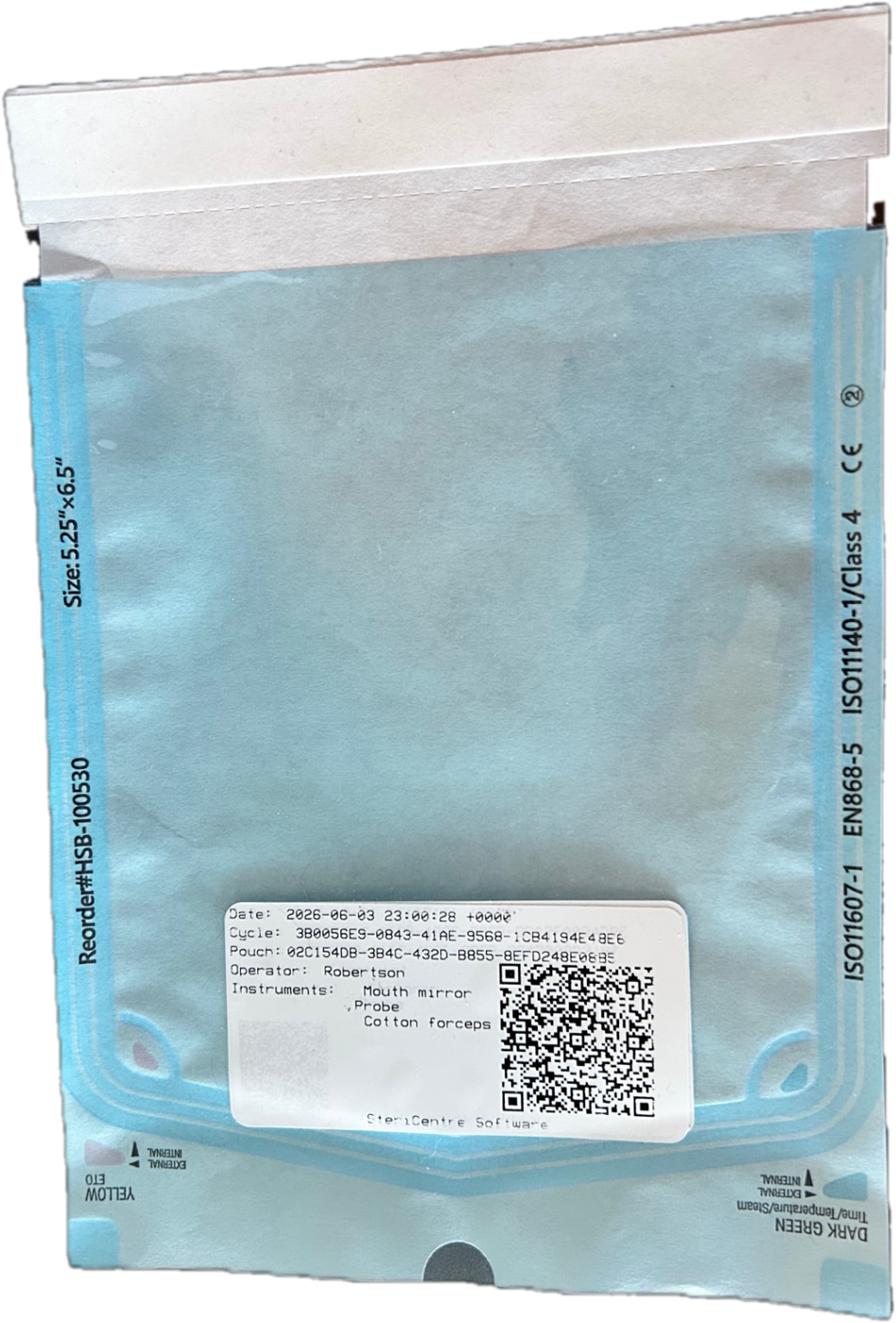
Pouch labeling & scanning
Connect each pouch to its sterilization record.
Print traceable SteriCentre labels and scan their information into a patient chart text field. Give your team a practical link between processed instruments and clinical documentation.
Free download. No subscription needed for the trial. Label and report printing require a paid subscription.
In your daily workflow
Identify the pouch
Keep the cycle, pouch, date, operator, and instrument information together on a SteriCentre label.
Print with compatible hardware
Label printing requires a paid subscription and compatible equipment. Find printers, labels, and ribbons in the SteriCentre Shopify shop.
Scan into the patient chart
A compatible scanner transfers label information as text into a chart field that accepts text input. Check your chart software and scanner setup; this is not a universal software integration.
Inside SteriCentre
Pouch labeling & scanning
Explore the workflow in our Shopify articles, written by the SteriCentre team.
How scanning SteriCentre labels works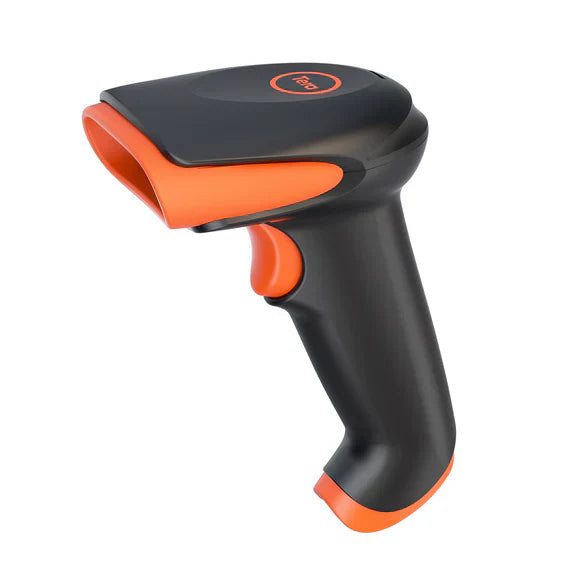
Software meets supplies.
Equip your sterilization bay with compatible printers, labels, ribbons, and iPad accessories. Hardware and supplies are purchased separately.