Official SteriCentre store
Everything your sterilization tracking runs on.
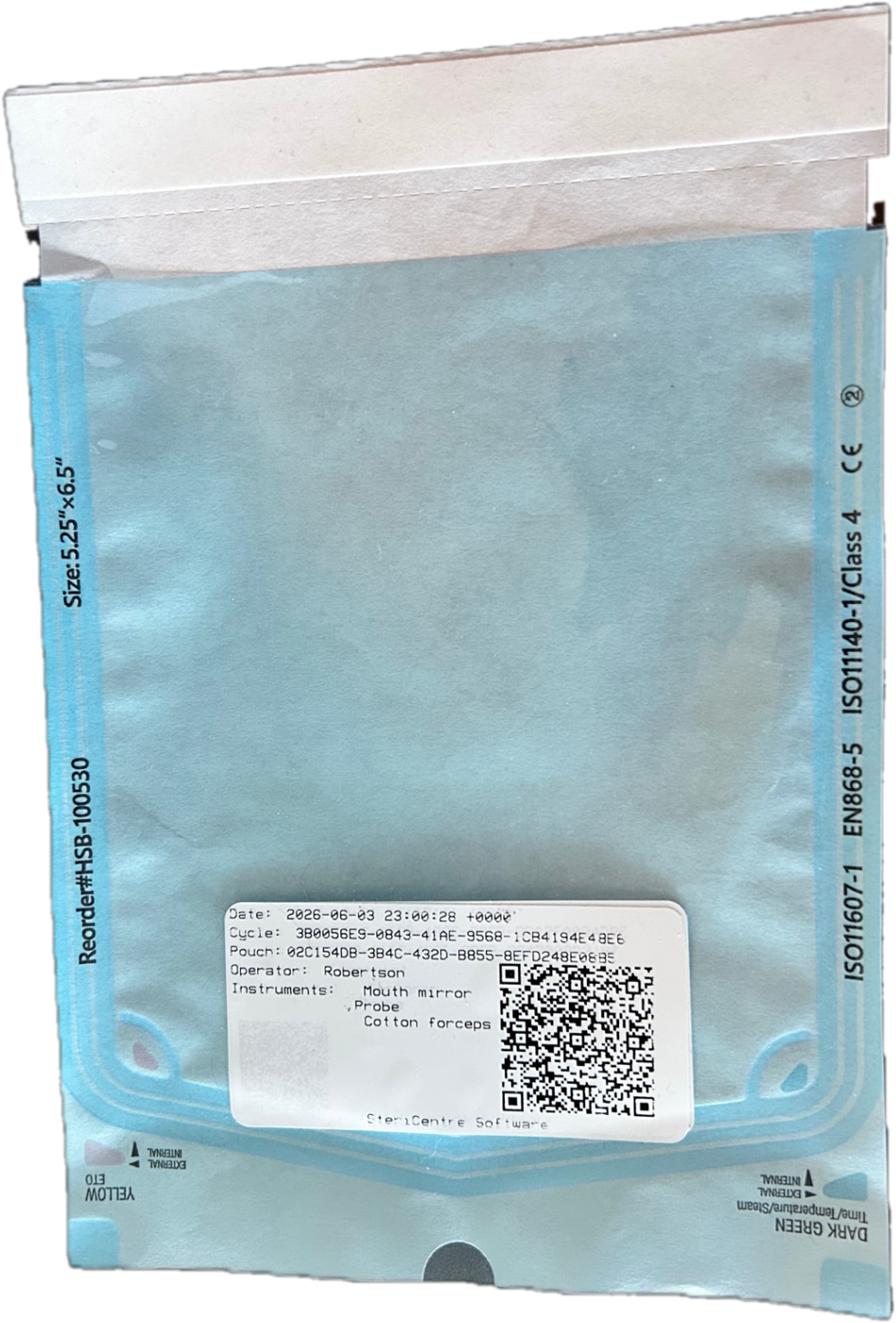
Printers, autoclave-tested labels, ribbons and hardware — chosen to work perfectly with SteriCentre software.
Shop suppliesAutoclave tested
Labels hold up at 135°C
Software ready
Pre-matched to SteriCentre
Ships across Canada
Secure Shopify checkout
From the blog
News, tips & guides
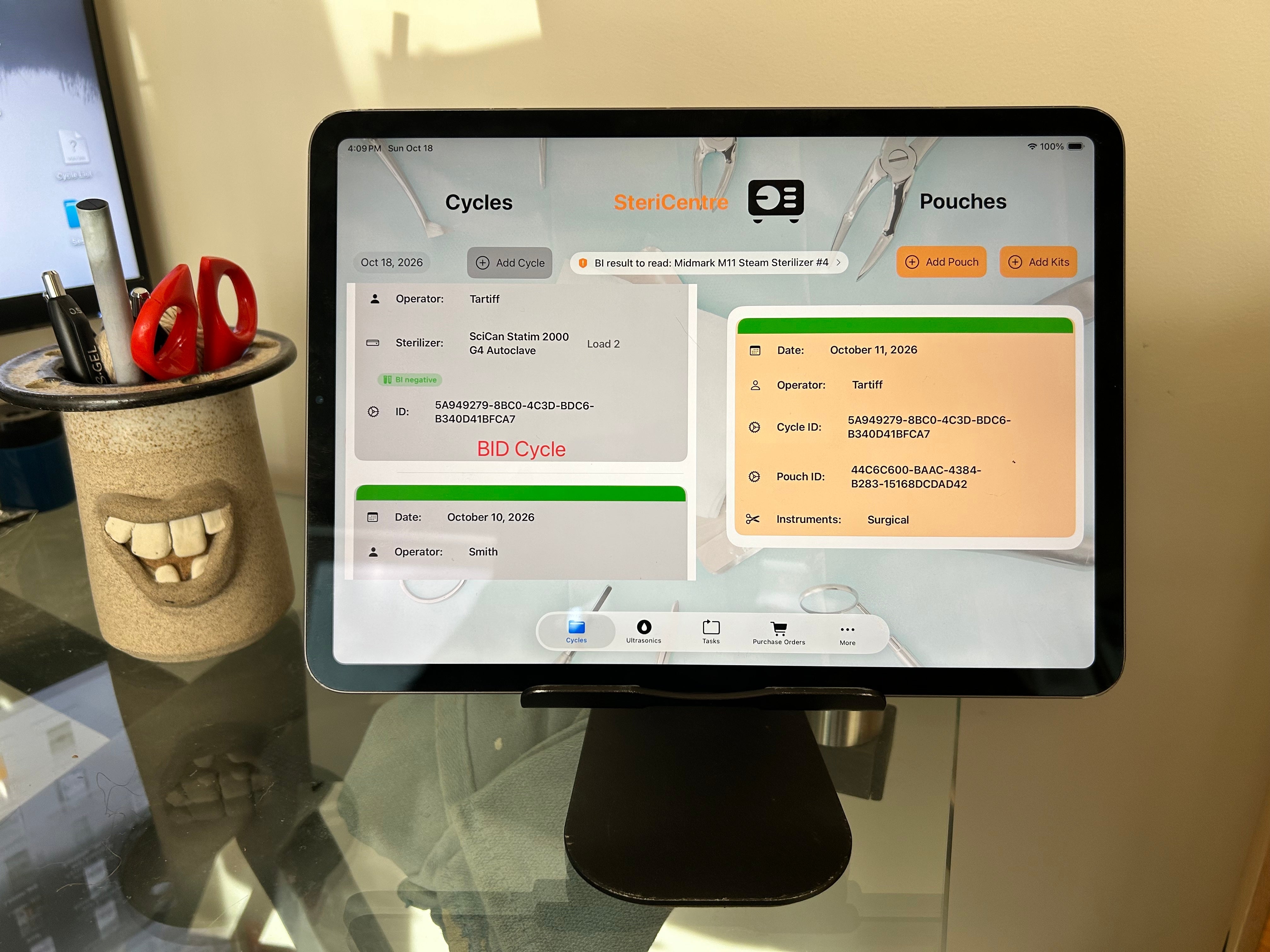
Optimizing Your Sterilization Bay: How to Mount Your SteriCentre iPad When Counter Space is at a Premium
In a modern dental practice, the sterilization center is the high-traffic engine room of your clinic. Transitioning from archaic, manual paper logging to dig…
Read article
SteriCentre 2.8: bilingual, and ready for Quebec
SteriCentre now works fully in French and English. It switches automatically with your iPad's language, so each team member can work in the language they pre…
Read article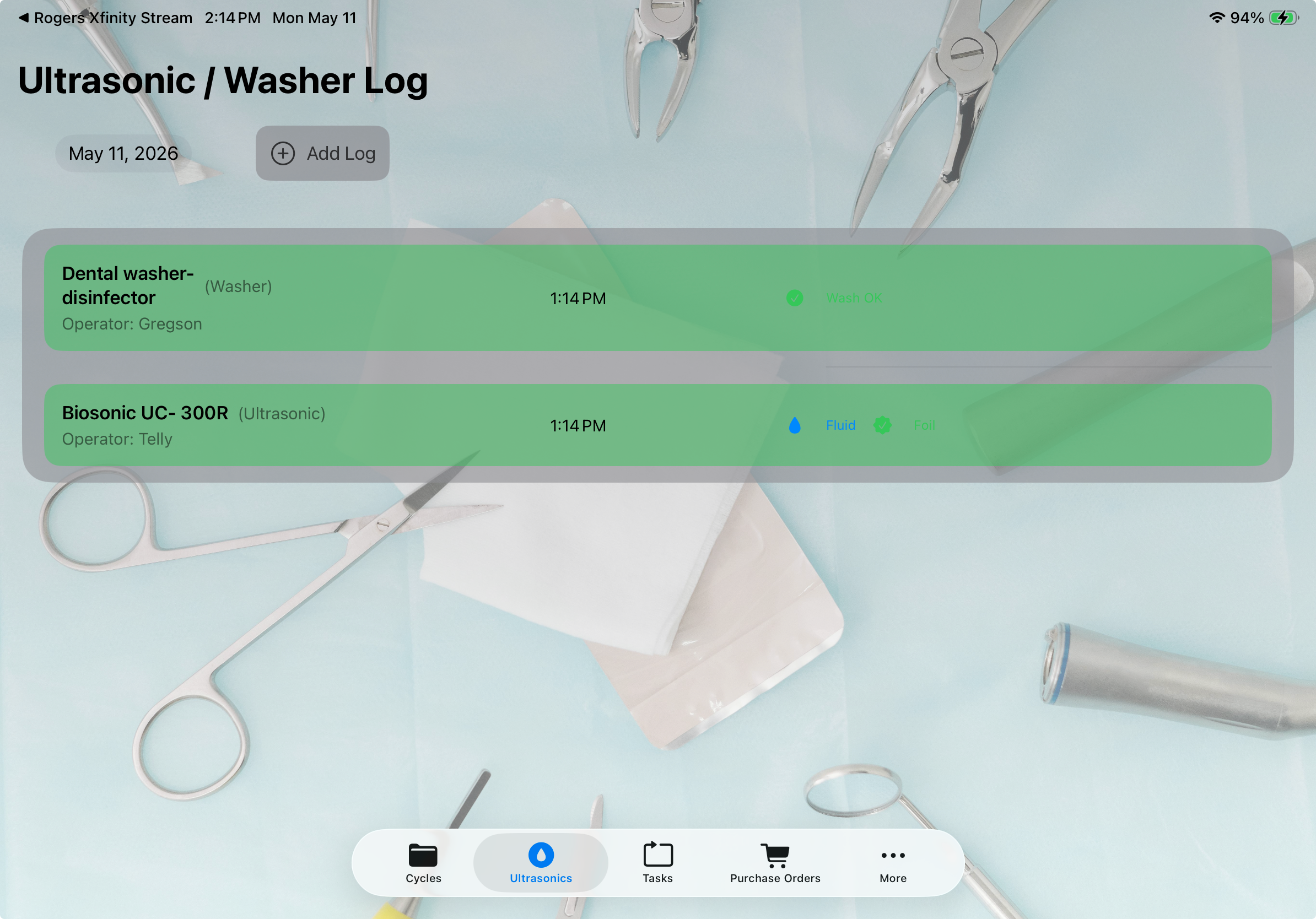
V2.60 Ultrasonic/Washer IPAC Logging
New: Ultrasonic/Washer IPAC Logging • Track and log all ultrasonic cleaner and washer cycles to meet IPAC compliance requirements • Record fluid changes, foi…
Read article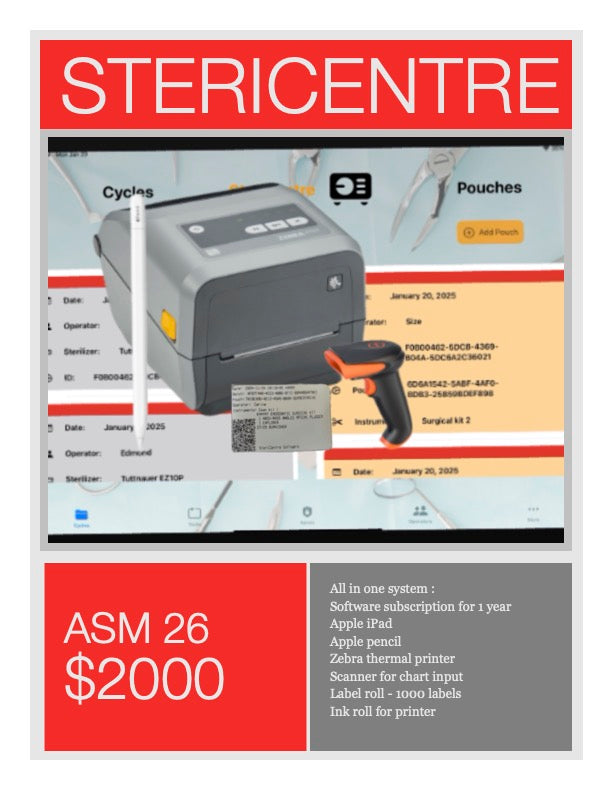
ODA ASM 26 Show Special
ODA ASM 26 Special $2000 All in one system : Software subscription for one year , Apple iPad , Apple pencil , Zebra thermal printer , Scanner for chart input…
Read article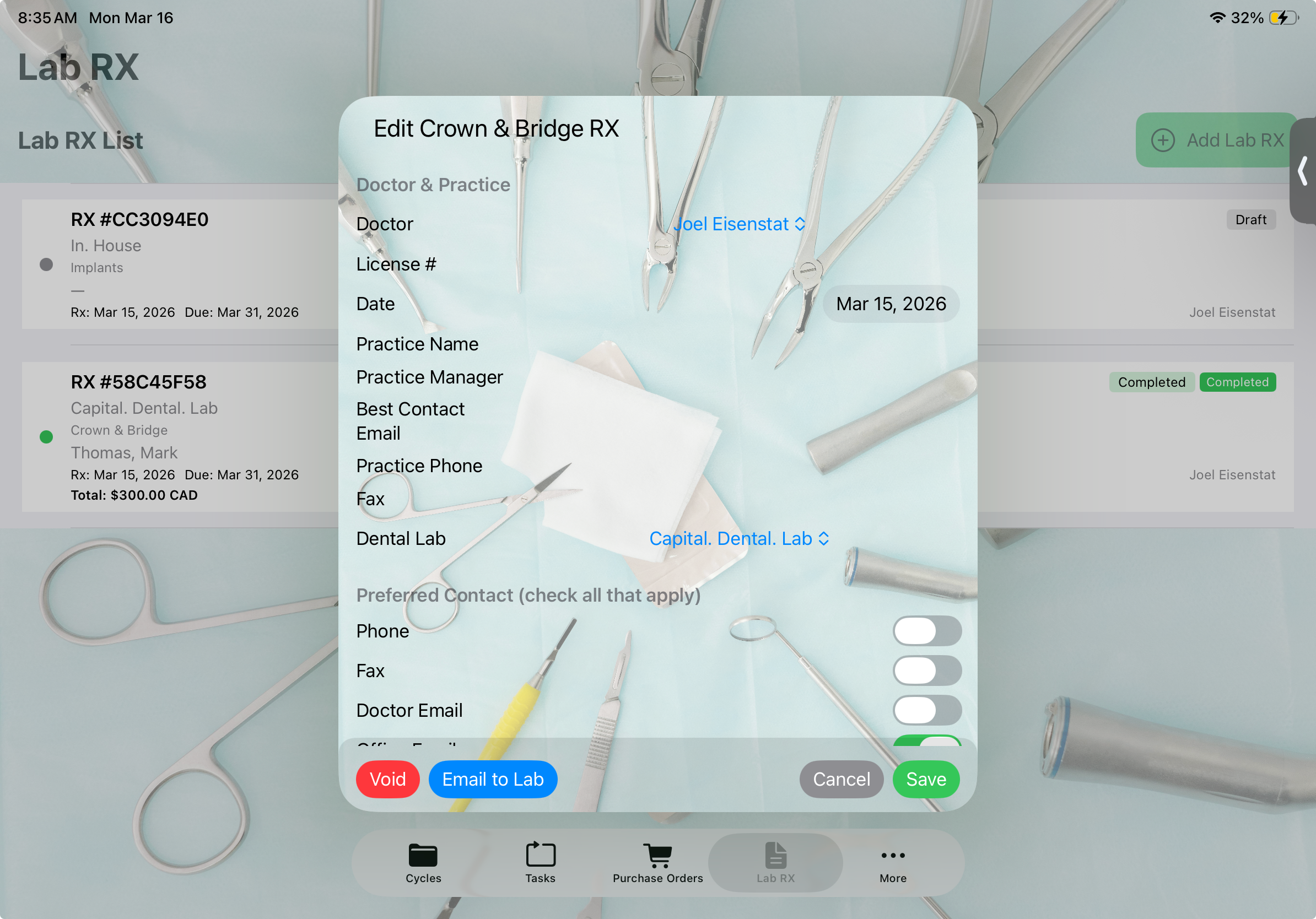
SteriCentre V2.5 Available
What’s New in Version 2.5 Lab RX New Lab RX tab for dental lab prescriptions. Separate RX list with case types: Crown & Bridge , Implants , Orthodontic , and…
Read article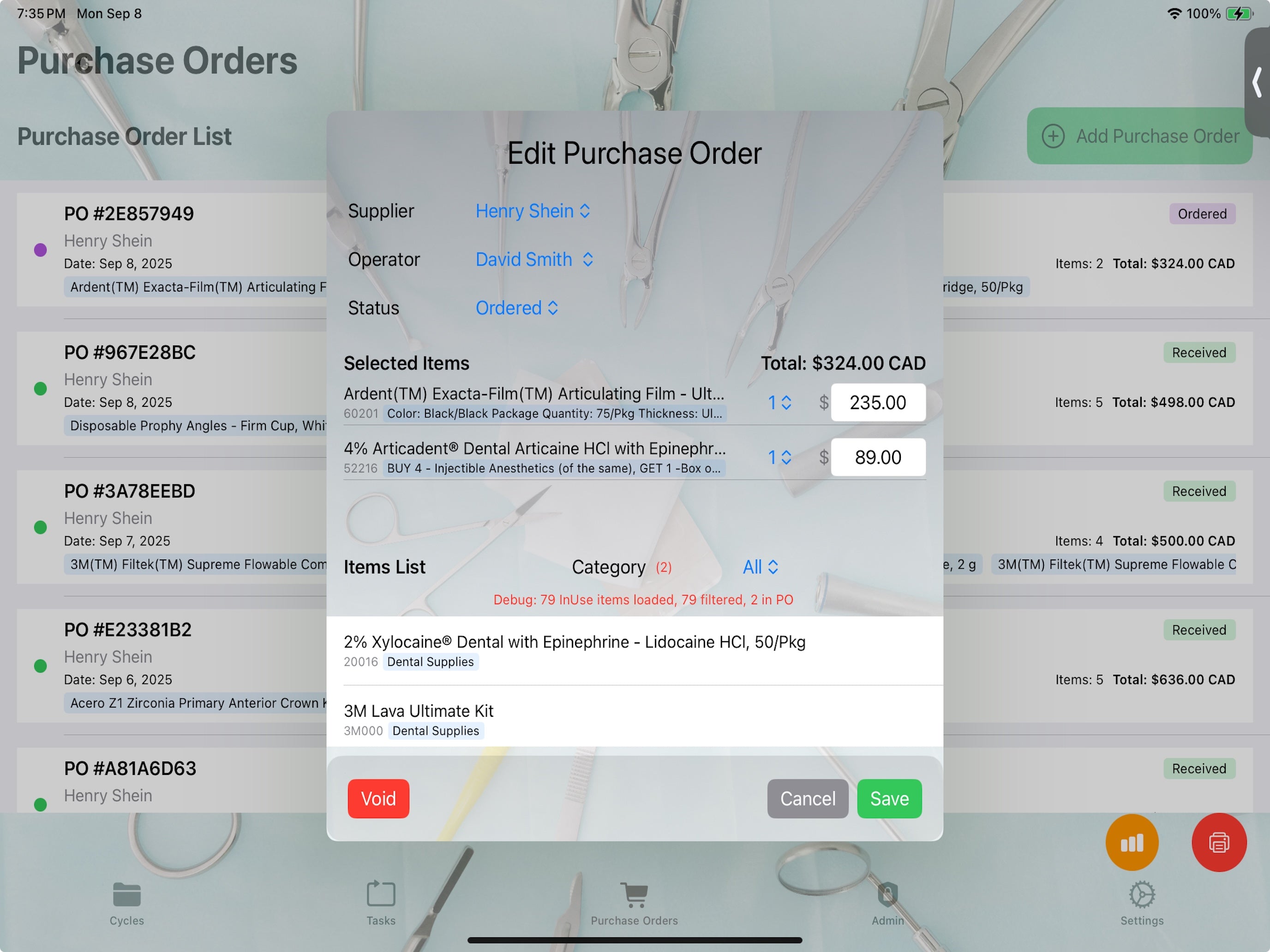
SteriCentre Version 2.0 Available
Version 2.0 adds inventory, purchase orders and accounts payable. You can add your existing inventory or choose from over 32,000 items available for download…
Read article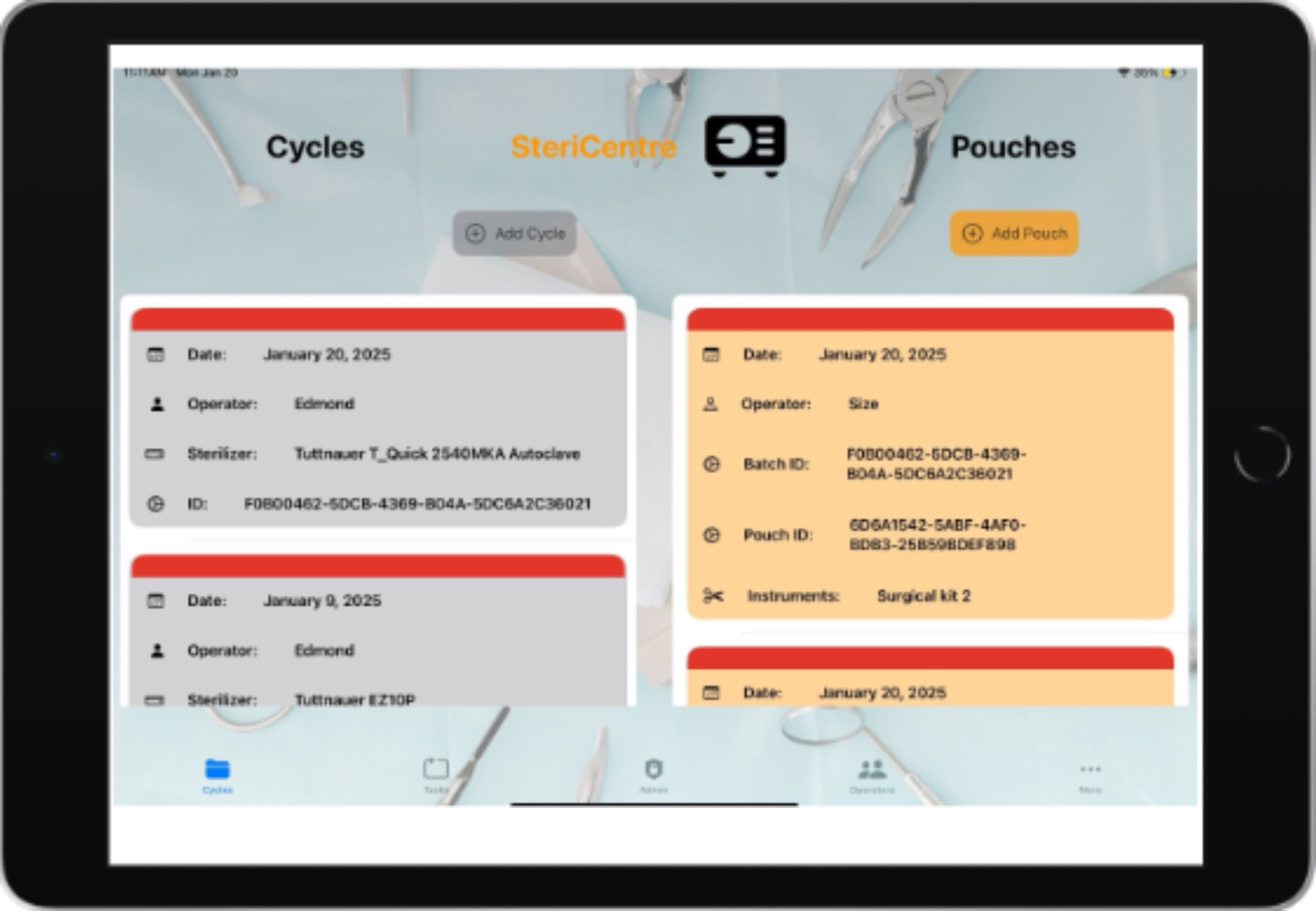
Single application use on the iPad
With Guided Access, you can temporarily restrict iPad to a single app. This can be useful when you want to stay focused on a task. You can set a time limit,…
Read article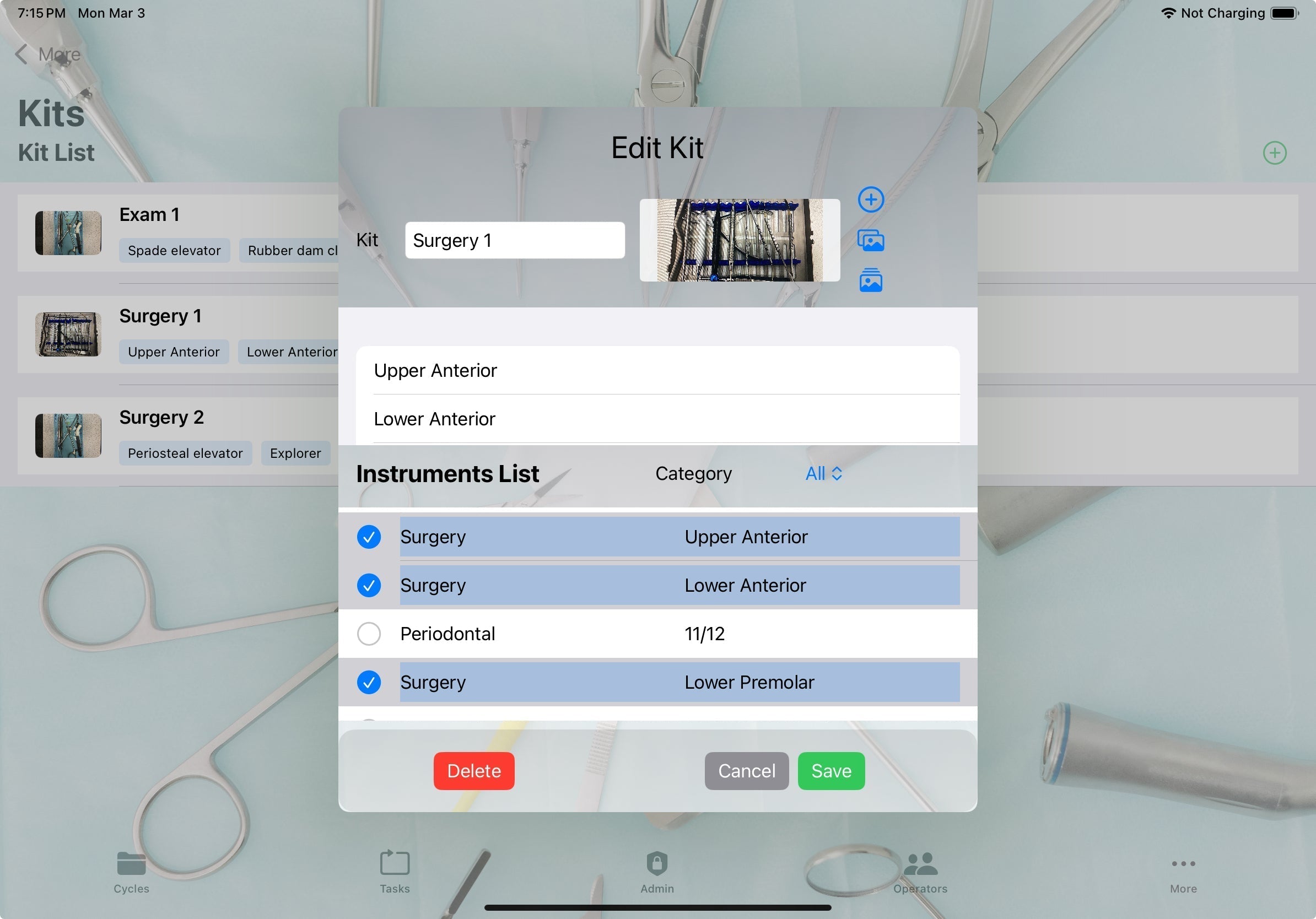
Version 1.2 Available
Version 1.2 of SteriCentre adds new features to Kit and Tray records. Both have the capability of obtaining images directly using the iPad camera and/or usin…
Read article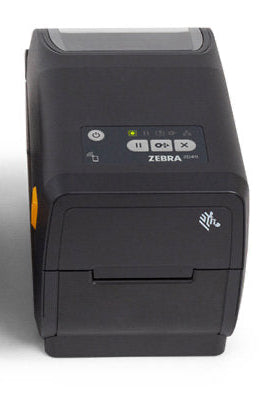
Zebra ZD 411 Printer
If the SteriCentre package is purchased the printer is preconfigured with a ribbon and label roll. Calibration and testing for label printing is performed .…
Read article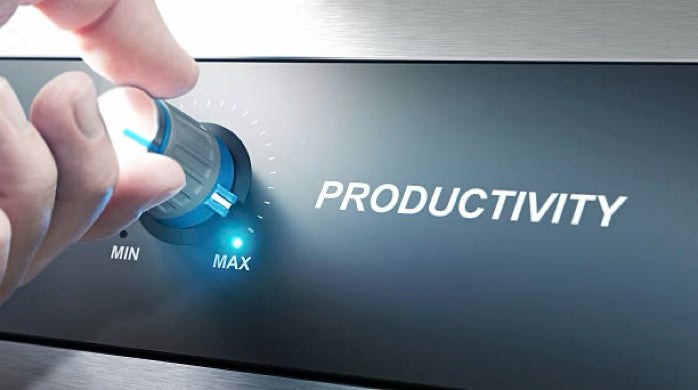
Tasks
Tasks are used to manage and log opening and closing procedures. The Editor is used to designate the opening and closing tasks. There are five available task…
Read article
SteriCentre Backup
Backup SteriCentre software uses a version of Sqlite as a database backend. All databases are subject to eventual failure including hardware malfunctions lik…
Read article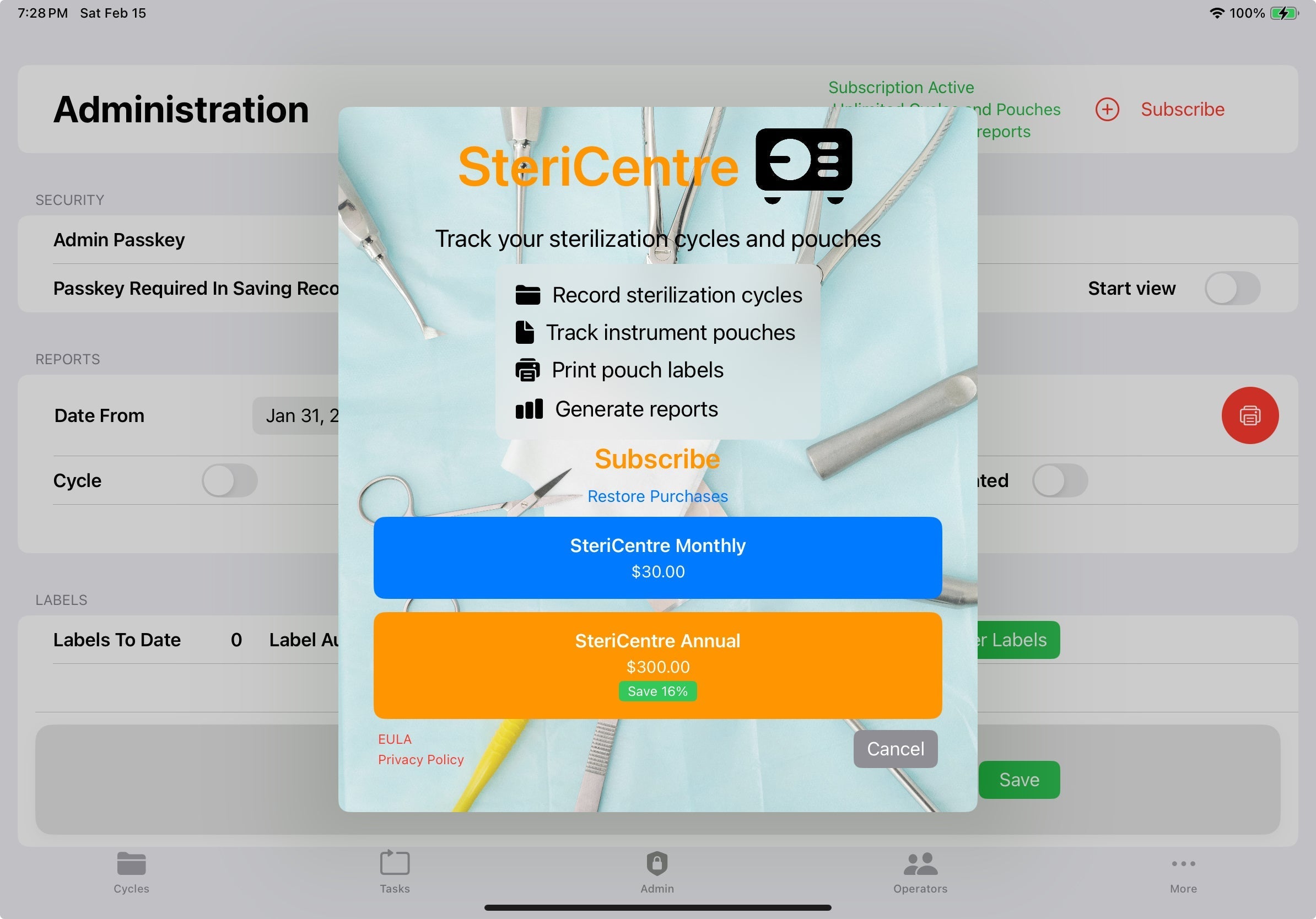
SteriCentre Subscriptions
Subscriptions The Subscribe Button is on the top right of the Administration page. It is only active if the Administration passkey is used. Initially this is…
Read article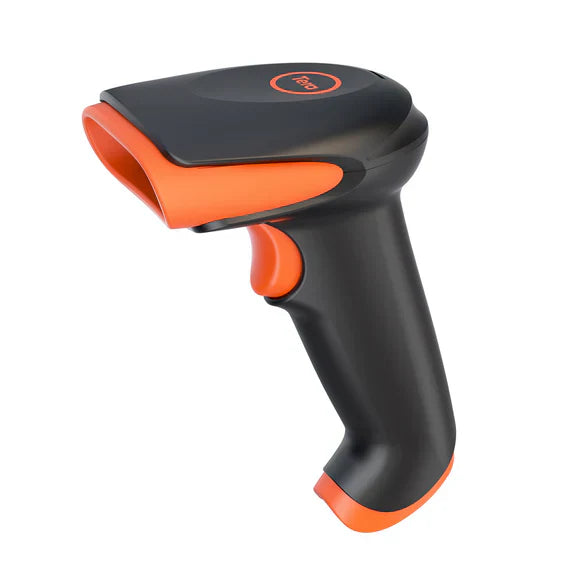
Scanning Labels
Scanning allows all the information found on the label including sterilized instruments to be entered into the patient chart. Use either use the USB cable or…
Read article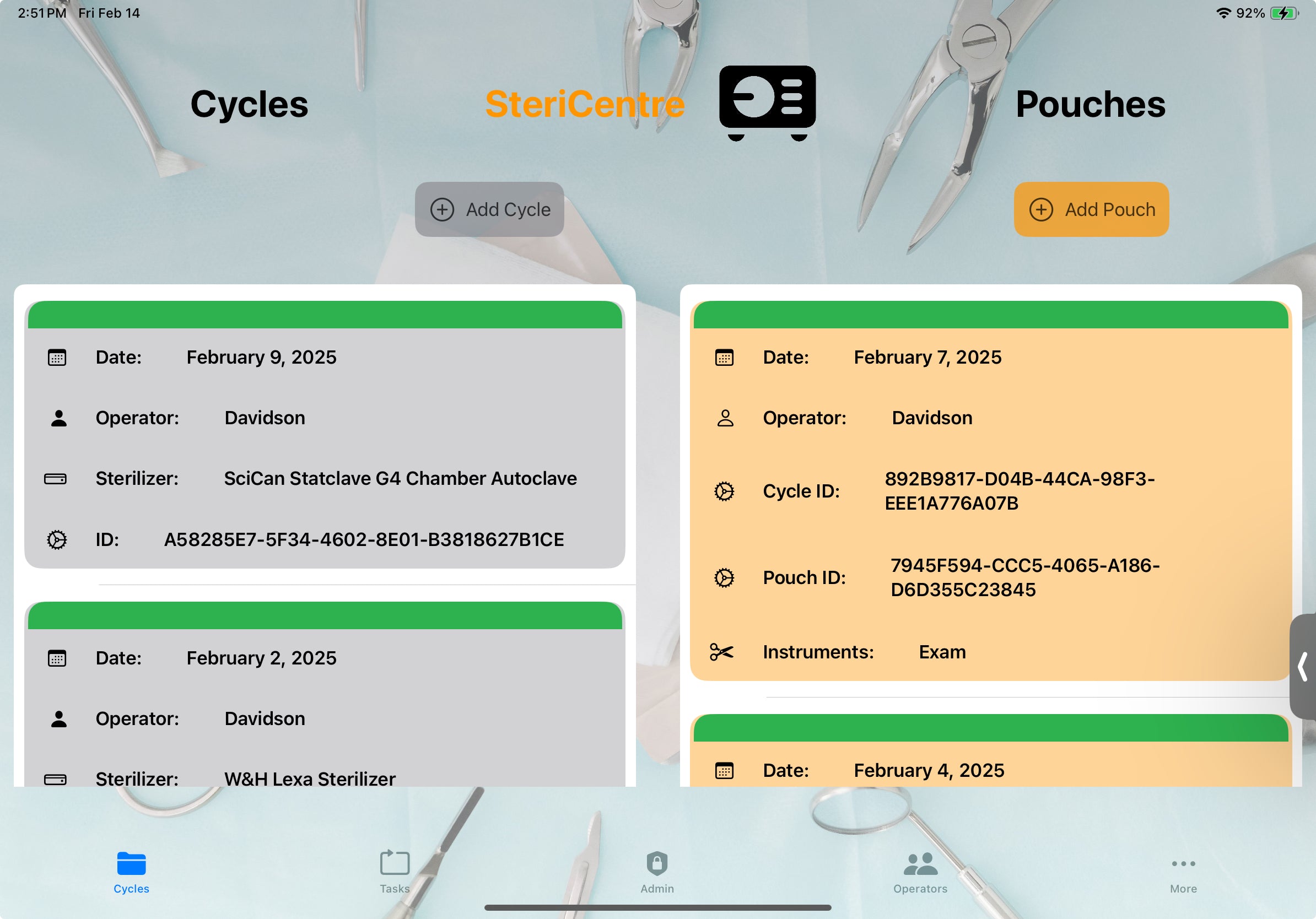
SteriCentre Available
SteriCentre software replaces manual sterilization paper logging, enhancing productivity and instrument tracking in your practice. You can download and test…
Read article
SteriCentre Setup
Please set up the SteriCentre app in the following order: Operators - Add operators using the top right **+** button. Only operators designated as **active**…
Read article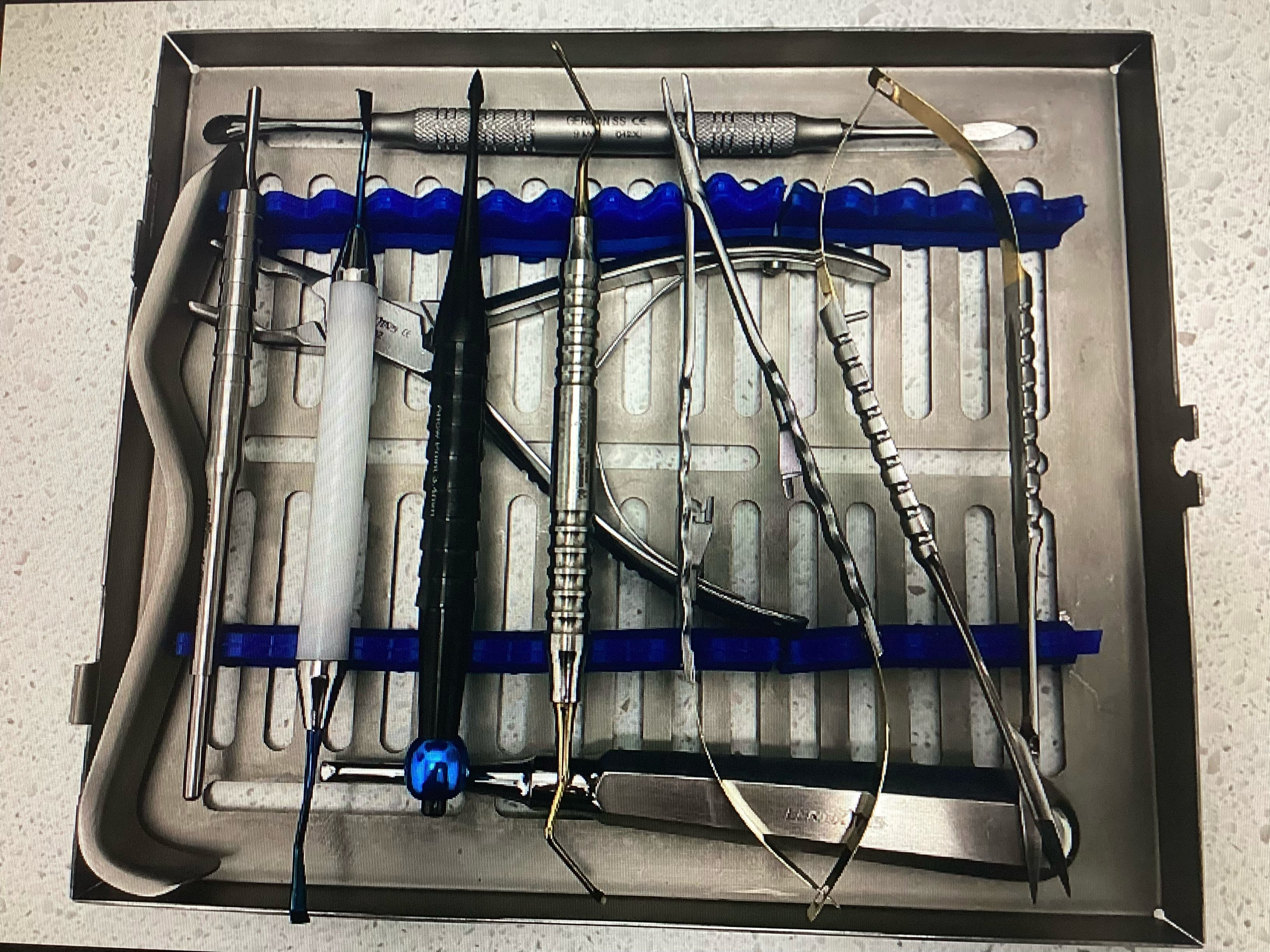
SteriCentre Trays
Trays - The Tray record can be used for training and / or quality control. All instruments and materials can be added to the list . A Category “Disposables”…
Read article
SteriCentre Import Files
Categories - Use the Import button in the top right of the Category view to import a preset list of categories. These categories can be added or deleted to c…
Read article
SteriCentre Shortcuts
Cycle - Double tapping the Cycle opens the Cycle card where the parameters , pressure and temperature can be updated. A shortcut here is that all pouches in…
Read articleShop all
7 products
Zebra Thermal Transfer Printer - ZD 411
Elevate your expectations with Zebra’s advanced, compact ZD411 desktop printers, built for enduring performance and designed to fit almost anywhere. Your operations demand reliable printing, enhanced features, security, and next-generation technology to help you work smarter and achieve more. With a new architecture and the exclusive Print DNAᵀᴹ software suite, the ZD411 offers enhanced processing power, unmatched security, and intuitive setup and operation. Change media quickly with the innovative media handling design and add capabilities with field-installable options. Connect your way with optional wireless capabilities, ensuring these printers are ready to perform flawlessly for years to come. The powerful new processor allows you to run more tasks simultaneously, while advanced features and connectivity options, including field-upgradeable media handling, set them apart. Five LED icons provide instant visibility into printer status, and the advanced three-button user interface simplifies operation. Featuring Zebra’s Print DNA software suite, ZD411 printers are easy to integrate, operate, and manage onsite or remotely via a web-based dashboard, designed to evolve with technology and keep your workflows at peak performance. Color-coded touch points and a new media-handling design facilitate speedy media changes, reducing mess and training time. Available in direct thermal, thermal transfer, and healthcare models, ZD411 printers support nearly any 2-inch printing application, offering flexibility for nearly every use case.

Thermal Transfer Ribbon
Resin Ribbons With all synthetic materials and topcoated labels and tags In environments with harsh to extreme exposure to chemicals When applications require strong resistance against ultra high temperatures and harsh outdoor environments

Thermal Transfer Roll
Product The label is a 2.3 mil white top coated Polypropylene film featuring an acrylic adhesive for prime film labelling and a1.2 mil PET liner. Specifically designed for thermal transfer printers. Tested Applied at 135 C for 30 minutes plus with no degradation or smearing .

Apple iPad 64 GB WiFi Bluetooth
iPad The A14 Bionic chip lets you run multiple apps and work smoothly between them All-screen design with 10.9-inch Liquid Retina display¹ delivers an amazing viewing experience Landscape 12MP Center Stage camera for a great video-calling experience Stay connected with fast Wi‑Fi 6 and 5G wireless² Compatible with Apple Pencil (USB‑C), Apple Pencil (1st generation),³ Magic Keyboard Folio and Smart Folio

D5100 2D WIreless Scanner
Specification Battery Level Indicator and 2000mAh Capacity Larger battery enables longer continuous usage and twice the stand-by time of others. With the unique battery indicator light showing the remaining battery level, no more Low Battery Anxiety. Ergonomic Design The curved handle is extended and thickened, tailor-made for North America customers. Specially designed smooth and flat trigger for better grip. Anti-Shock Silicone The orange anti-shock silicone protective cover can avoid scratches and friction while falling from the height of 6.56 feet. IP54 technology protects the wireless barcode scanner from dust. 2.4 GHz Wireless + USB 2.0 Wired Connection Plug and play with the USB receiver or the USB cable, no driver installation needed. Easy and quick to set up. Wireless transmission distance reaches up to 328 ft. in barrier free environment. Digital and Printed 1D 2D QR Bar Code Symbologies 1D: Codabar, Code 11, Code93, MSI, Code 128, UCC/EAN-128, Code 39, EAN-8, EAN-13, UPC-A, ISBN, Industrial 25, Interleaved 25, Standard25, Matrix 2D: QR, DataMatrix, PDF417, Aztec, Hanxin, Micro PDF417. (Note: Not compatible with Square.)

Apple Pencil USB
Product Information Overview Apple Pencil (USB-C) is perfect for taking notes, sketching, marking up documents, journalling and more. It delivers pixel‑perfect precision, low latency and tilt sensitivity. So it’s as natural to use as a pencil. Apple Pencil (USB-C) pairs and charges via a USB-C Charge Cable. It magnetically attaches to the side of iPad for storage. Apple Pencil (USB-C) supports Apple Pencil hover when used with iPad Pro 13-inch (M4), iPad Pro 11-inch (M4), iPad Pro 12.9-inch (6th generation), iPad Pro 11-inch (4th generation), iPad Air 13-inch (M2) and iPad Air 11-inch (M2). What’s in the Box Apple Pencil (USB-C) Tech Specs Length: 155 mm / 6.10 in. Diameter: 8.9 mm / 0.35 in. Weight: 20.5 g / 0.72 oz. Connections Bluetooth USB-C Connector Other Features Magnetically attaches System Requirements iPadOS 17.1.1 or later

SteriCentre Package With Software
For those that want to grab and go the SteriCentre Package is one bundle that has immediate setup. This package has all the components : * iPad with WiFi and Bluetooth * Apple Pencil for use with iPad * Zebra ZD 411 printer * Roll of 1000 labels 1in x 3 in * Ribbon for thermal image printing * D5100 wireless scanner * SteriCentre Sterilization Logging Software Additionally the SteriCentre software is preloaded onto the formatted iPad. If the input information is provided this can be preloaded as well for a custom software package. This would include the operators , sterilizers and kits / cassettes with instrument descriptions. A SteriCentre yearly software subscription worth $300.00 . An Apple Store account can be created as well if you don’t have one or an existing account can be used.